3D cartoon crossover suburban scene
Illustration prompt · by RoseKhlifa · published 2026-06-09
Prompt
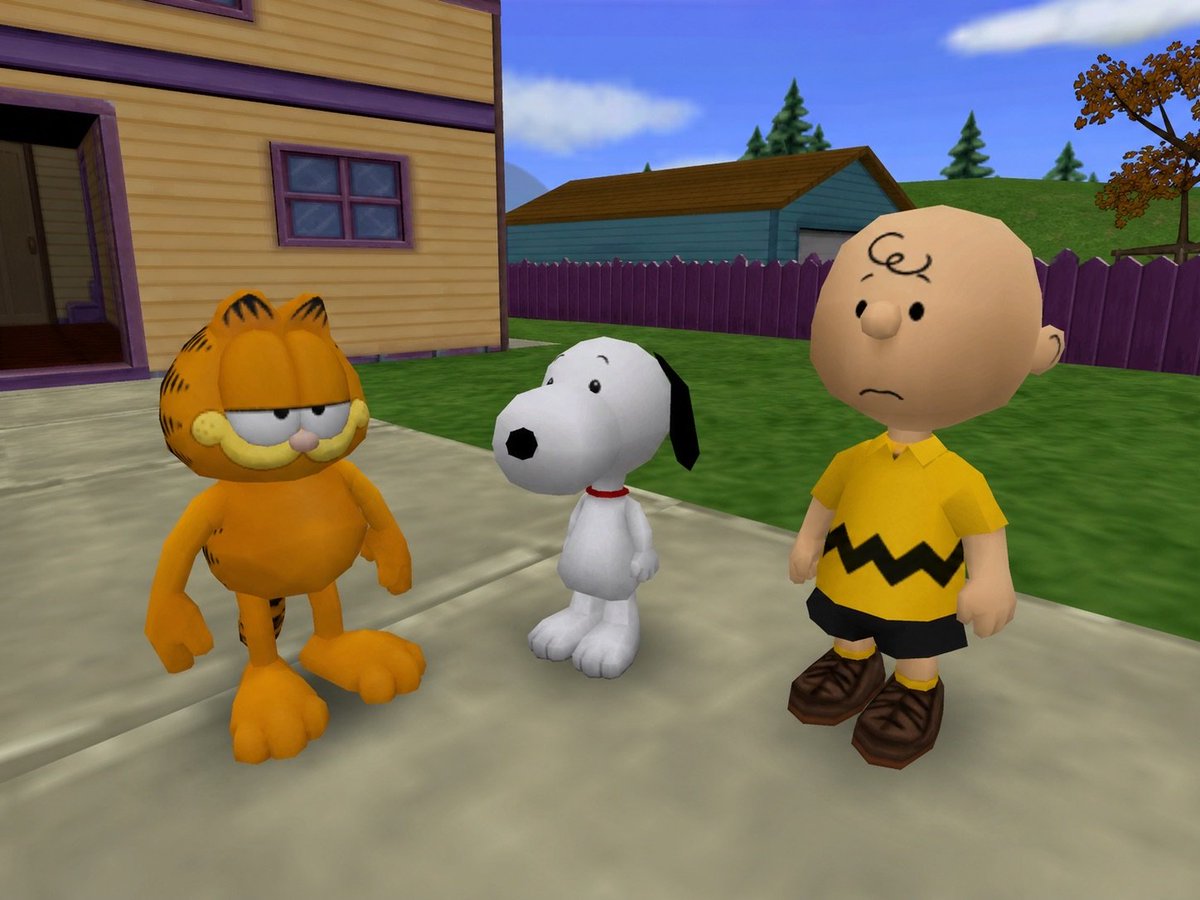
Create a bright, nostalgic 3D cartoon video game scene featuring exactly 3 recognizable characters standing together on a suburban sidewalk: {argument name="left character" default="Garfield"}, an orange striped cat with droopy half-closed eyes and a bored expression on the left; {argument name="middle character" default="Snoopy"}, a small white beagle with black ears, black nose, and a red collar in the center; and {argument name="right character" default="Charlie Brown"}, a bald round-headed boy wearing a yellow shirt with a black zigzag stripe, black shorts, yellow socks, and brown shoes on the right. Set them outside a yellow clapboard house with purple trim, an open dark doorway, and a small purple-framed window, with a pale concrete path in the foreground, green lawn, purple picket fence, teal garage-like building, rolling grassy hill, pine trees, one autumn-colored tree, blue sky, and soft white clouds. Use a low-poly early-2000s console-game aesthetic, rounded toy-like proportions, simple smooth materials, saturated colors, slightly exaggerated heads and feet, soft daylight, and a fixed third-person camera angle looking slightly downward at the trio, with all three characters appearing mildly confused or unimpressed.Example output
IllustrationAnime And Games
How to use this prompt
- 1. Copy the full prompt text above.
- 2. Paste it into your image model — Midjourney, DALL·E, Stable Diffusion, or GPT Image.
- 3. Replace the subject, style or lighting words with your own to adapt it.
- 4. Adjust aspect ratio and steps in your tool; the prompt itself is tool-neutral.
- 5. Iterate on one variable at a time so you can tell which change mattered.