Durer Magic Illustrator
Illustration prompt · by RoseKhlifa · published 2026-06-09
Prompt
{argument name="style" default="duhrer"} {argument name="subject" default="sorcery"}中文版本
{argument name="style" default="duhrer"} {argument name="subject" default="sorcery"}Example output
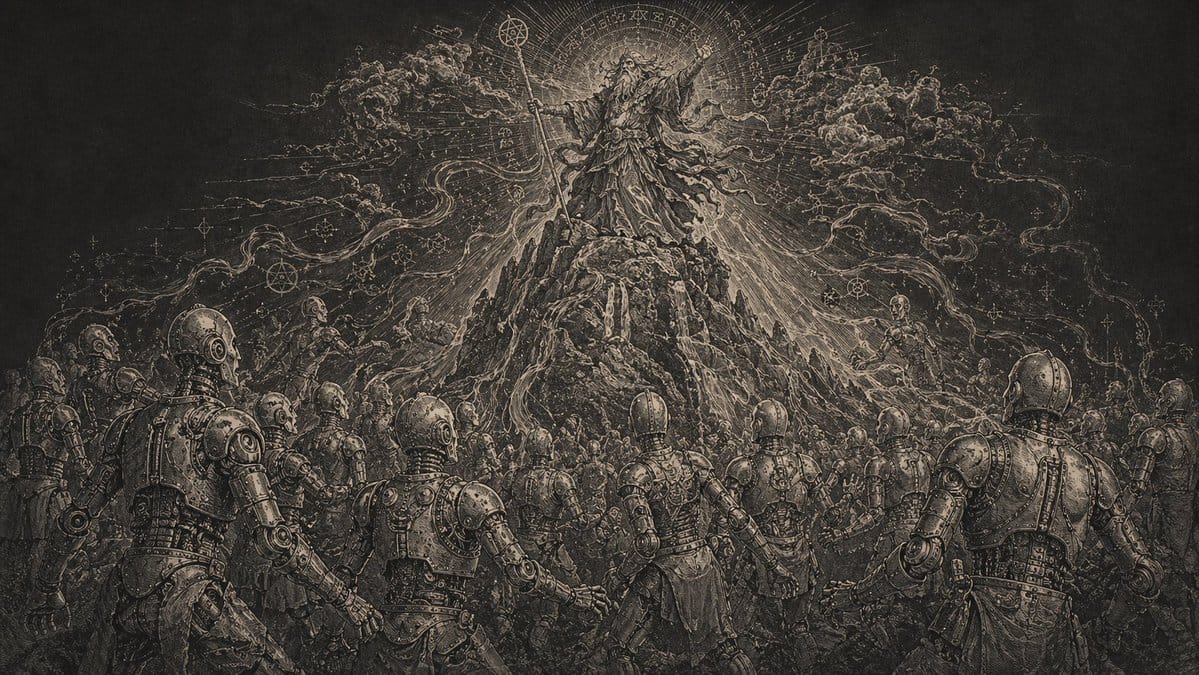
IllustrationMagic IllustrationDurer StylePrint Art ||| Michelin Style ||| China Park ||| Ai Marketing Poster ||| Apple Spoof ||| Editorial Illustration ||| Spanish Recipe ||| Shibuya ||| ||| Continuity ||| Floating City ||| Split Screen Poster ||| Dark Epic ||| City Explosion ||| First Person Shooter ||| Dark ||| Comic Page ||| Photoshop Shortcuts ||| Japanese Wedding ||| Girl Portrait ||| Retro Hole PrintingPicture Book IllustrationRenaissance Style
How to use this prompt
- 1. Copy the full prompt text above.
- 2. Paste it into your image model — Midjourney, DALL·E, Stable Diffusion, or GPT Image.
- 3. Replace the subject, style or lighting words with your own to adapt it.
- 4. Adjust aspect ratio and steps in your tool; the prompt itself is tool-neutral.
- 5. Iterate on one variable at a time so you can tell which change mattered.