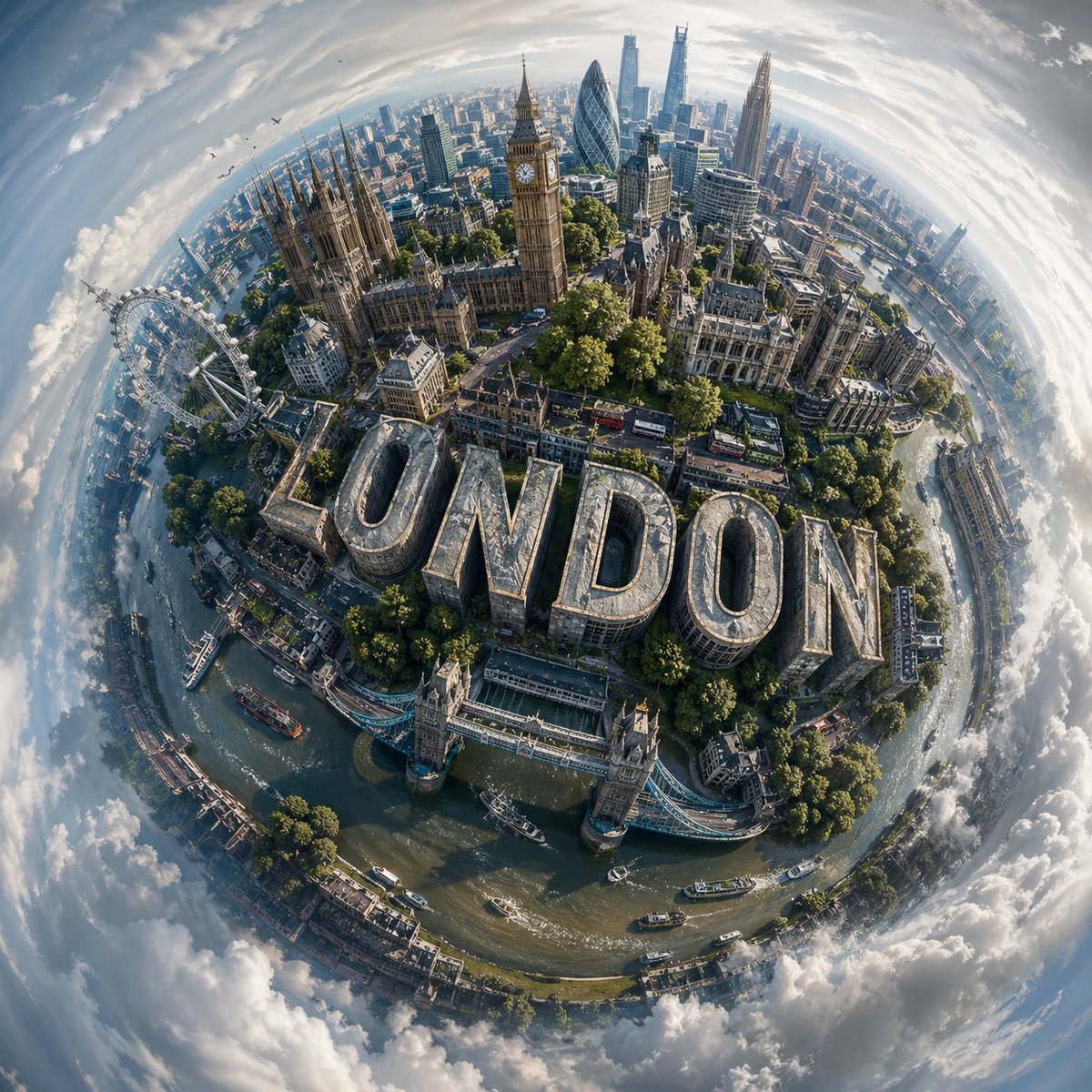
Spherical miniature world cityscape
Other prompt · by RoseKhlifa · published 2026-06-09
Prompt
Design a visually striking “miniature world” composition of {argument name="city name" default="CITY NAME"}, where the city’s most recognizable landmarks and architectural elements wrap organically around a compact, globe-like terrain, creating the illusion of a self-contained urban planet.

Blend the skyline and environment so they curve naturally with the surface, forming a cohesive spherical composition rather than a flat panorama. The perspective should feel elevated and slightly angled, as if captured from a drifting aerial viewpoint, enhancing depth and dimensional distortion.

Incorporate bold, contemporary 3D lettering that spells “{argument name="text" default="CITY NAME"}”, embedding it seamlessly into the cityscape; for example, integrated into streets, rooftops, or terrain, so it feels like a structural part of the environment.
Illuminate the scene with soft daylight under a lightly overcast sky, allowing diffused lighting to create subtle shadows and realistic highlights across buildings, vegetation, and roads.
Surround the miniature planet with an expansive, atmospheric sky that gently transitions into abstract, swirling cloud formations, adding a dreamlike quality without distracting from the central subject.

Use a balanced, lifelike color scheme tailored to {argument name="location" default="CITY NAME"}, featuring natural greens, sky blues, and grounded architectural tones, while maintaining vibrancy and clarity.

Render the final image in ultra-detailed photorealism, emphasizing texture accuracy, depth, and environmental realism, with a polished cinematic finish.
Example output
Other
How to use this prompt
- 1. Copy the full prompt text above.
- 2. Paste it into your image model — Midjourney, DALL·E, Stable Diffusion, or GPT Image.
- 3. Replace the subject, style or lighting words with your own to adapt it.
- 4. Adjust aspect ratio and steps in your tool; the prompt itself is tool-neutral.
- 5. Iterate on one variable at a time so you can tell which change mattered.