Parody Microsoft Office Product Graphics
Product Design prompt · by RoseKhlifa · published 2026-06-09
Prompt
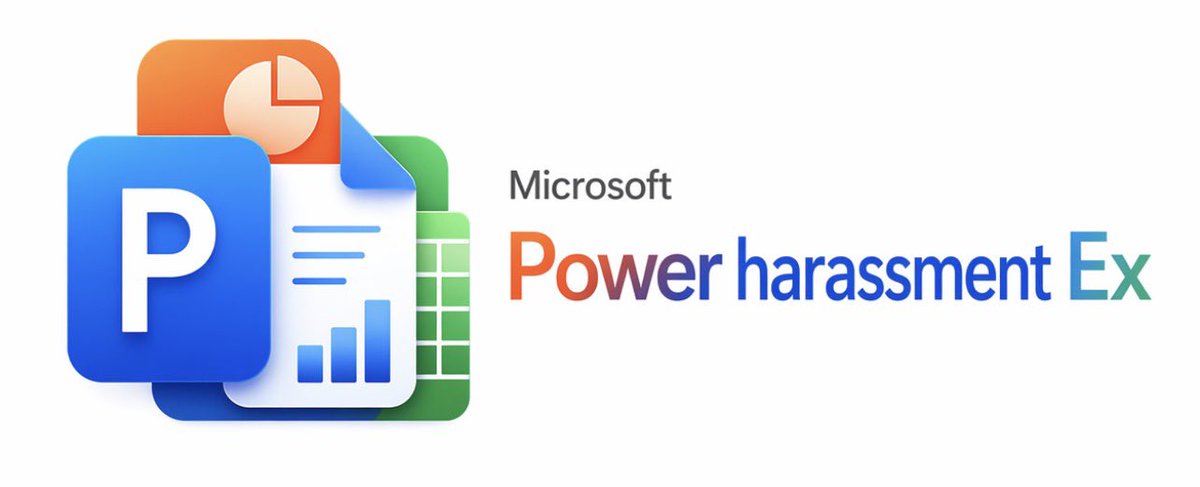
A clean corporate parody graphic on a plain light gray background, centered horizontally, styled like an official Microsoft product banner. On the left, show a layered cluster of 4 overlapping Microsoft Office-like app icons with glossy 3D depth and soft shadows: 1 large blue square tile in front with a bold white capital letter P, 1 orange rounded rectangle behind it at the upper left with a white pie-chart symbol, 1 white document sheet in the middle with a folded top-right corner, three blue horizontal text lines and a blue bar chart at the bottom, and 1 green spreadsheet tile behind on the right with a white grid pattern. On the right side, place the word Microsoft in small dark gray sans-serif type above a large product-name line that reads {argument name="headline text" default="Power harassment Ex"}. Render the large title in a Microsoft-style multicolor gradient spanning warm orange-red into purple-blue and cyan, with a crisp modern sans-serif look. Keep the composition minimal, wide, and balanced, with lots of empty space, resembling a polished tech company branding image or fake software logo announcement.Example output
ProductProduct Design
How to use this prompt
- 1. Copy the full prompt text above.
- 2. Paste it into your image model — Midjourney, DALL·E, Stable Diffusion, or GPT Image.
- 3. Replace the subject, style or lighting words with your own to adapt it.
- 4. Adjust aspect ratio and steps in your tool; the prompt itself is tool-neutral.
- 5. Iterate on one variable at a time so you can tell which change mattered.