Sequence Continuity Generation
Graphic Design prompt · by RoseKhlifa · published 2026-06-09
Prompt
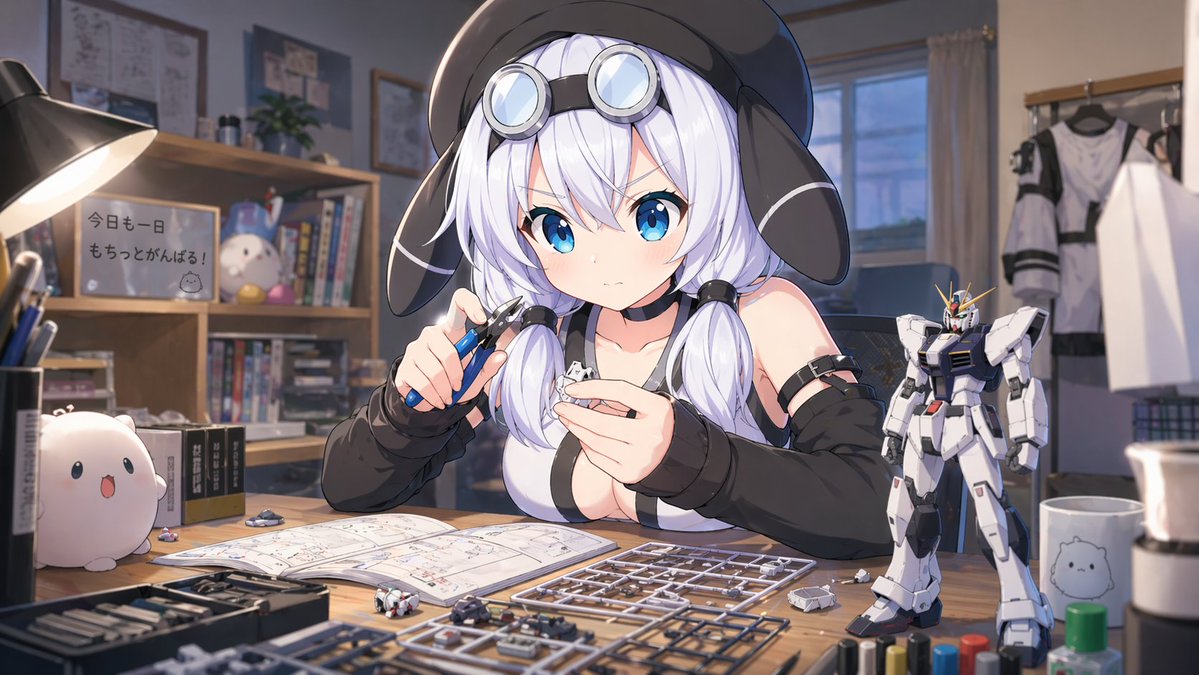
1枚目:{argument name="作業内容" default="真剣な表情でガンプラを作るところ"} 2枚目:(1枚目の後に){argument name="失敗の様子" default="間違った部分を切ってしまい、青ざめるカット"}Example output
Graphic DesignUi Interface
How to use this prompt
- 1. Copy the full prompt text above.
- 2. Paste it into your image model — Midjourney, DALL·E, Stable Diffusion, or GPT Image.
- 3. Replace the subject, style or lighting words with your own to adapt it.
- 4. Adjust aspect ratio and steps in your tool; the prompt itself is tool-neutral.
- 5. Iterate on one variable at a time so you can tell which change mattered.